Featured Projects

Featured eLearning Project:
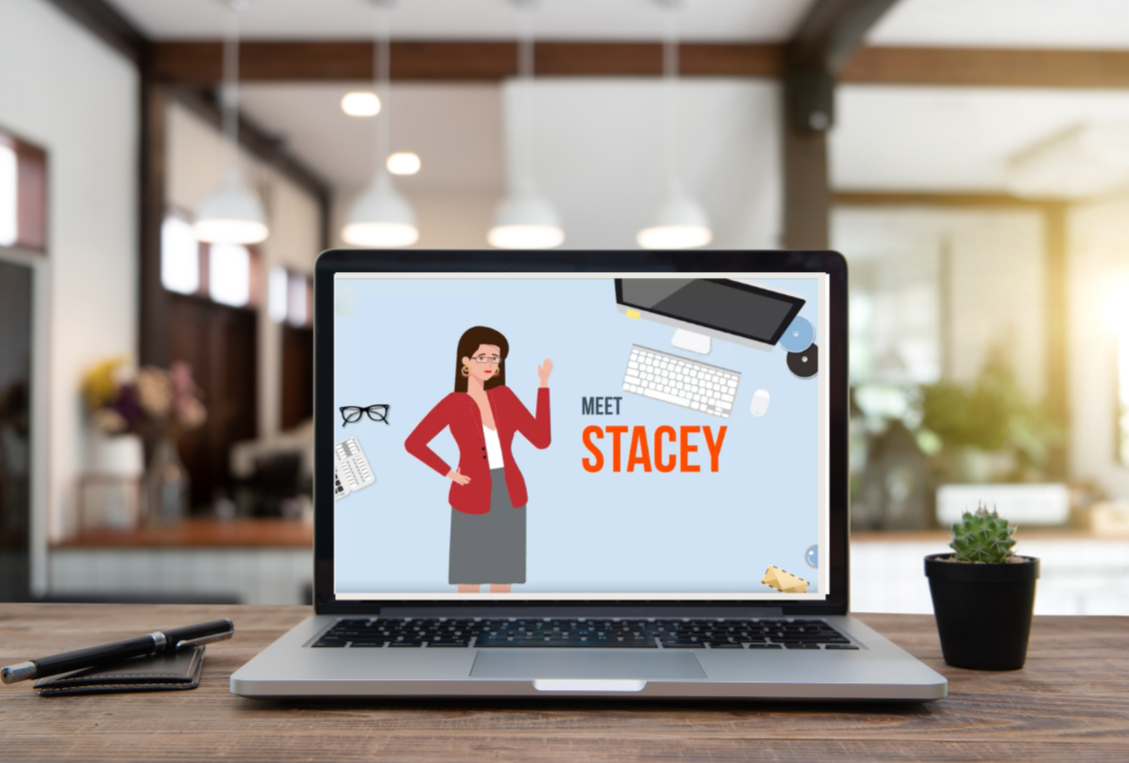
Meet Stacey, Microlearning Video

How do you turn a data analytics platform into a story that resonates with sponsors?

I developed a story-driven microlearning video about a BD professional overwhelmed by reports, showing how the dashboard quickly surfaces key study insights.

Created at the request of the sales enablement team, the video supported their pitch deck and illustrated the platform’s practical value.

Audience: New pharmaceutical sponsors
Responsibilities: Needs analysis, instructional design (action mapping, storyboarding, prototyping, full build), SME collaboration, visual/graphic design, eLearning development
Tools Used: Powtoon, Canva, Google Suite

Articulate Rise Course:
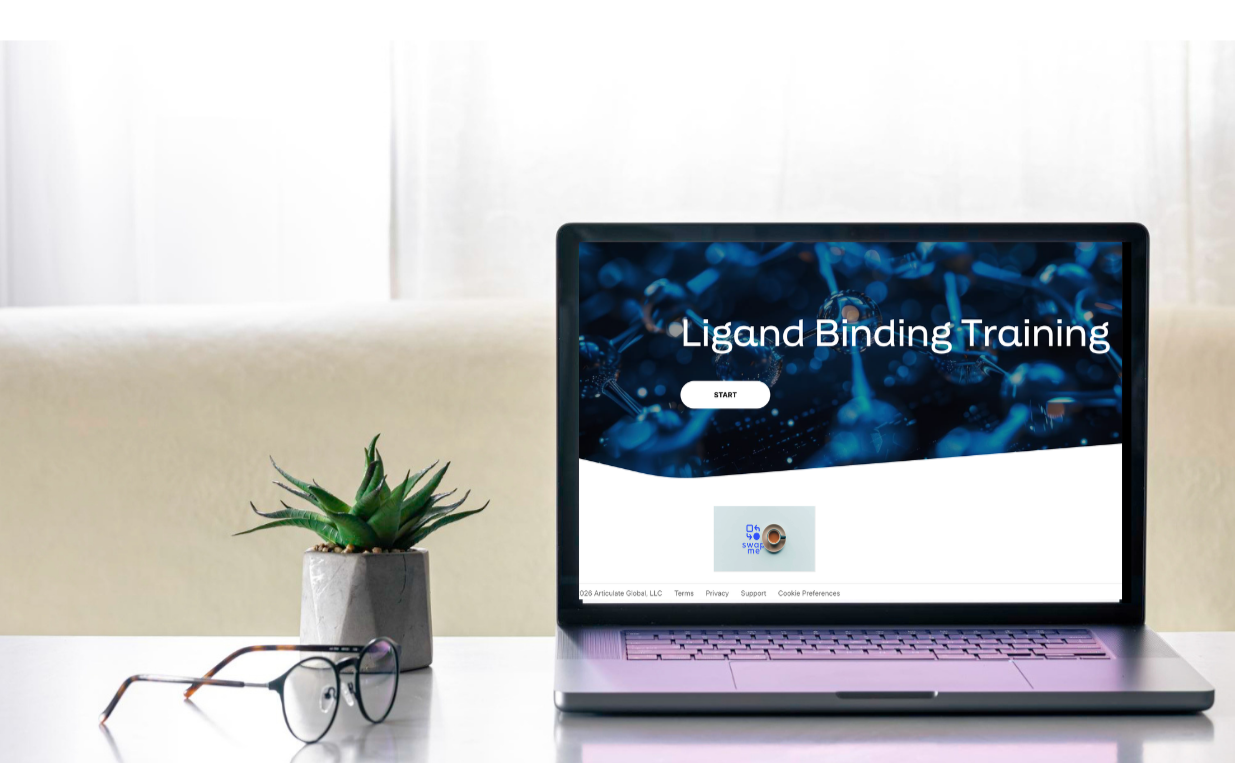
Introduction to Ligand Binding

How can a static PowerPoint be transformed into an engaging learning experience for highly technical content?

This project transforms a static PowerPoint deck into an engaging digital learning experience. Designed for employees newly enrolled in the Science Academy, the course builds foundational knowledge of ligand binding for application in product development.

To protect proprietary information, this portfolio includes a screen-recorded walkthrough rather than the full interactive course.

Audience: Employees in the Science Academy initiative
Responsibilities: Needs analysis, instructional design (action mapping, storyboarding, script development), collaboration with SMEs and stakeholders
Tools Used: Articulate 360, Synthesia, Jira, Adobe Creative Suite

Work Samples

User Guide: Orientation for
New Sponsors

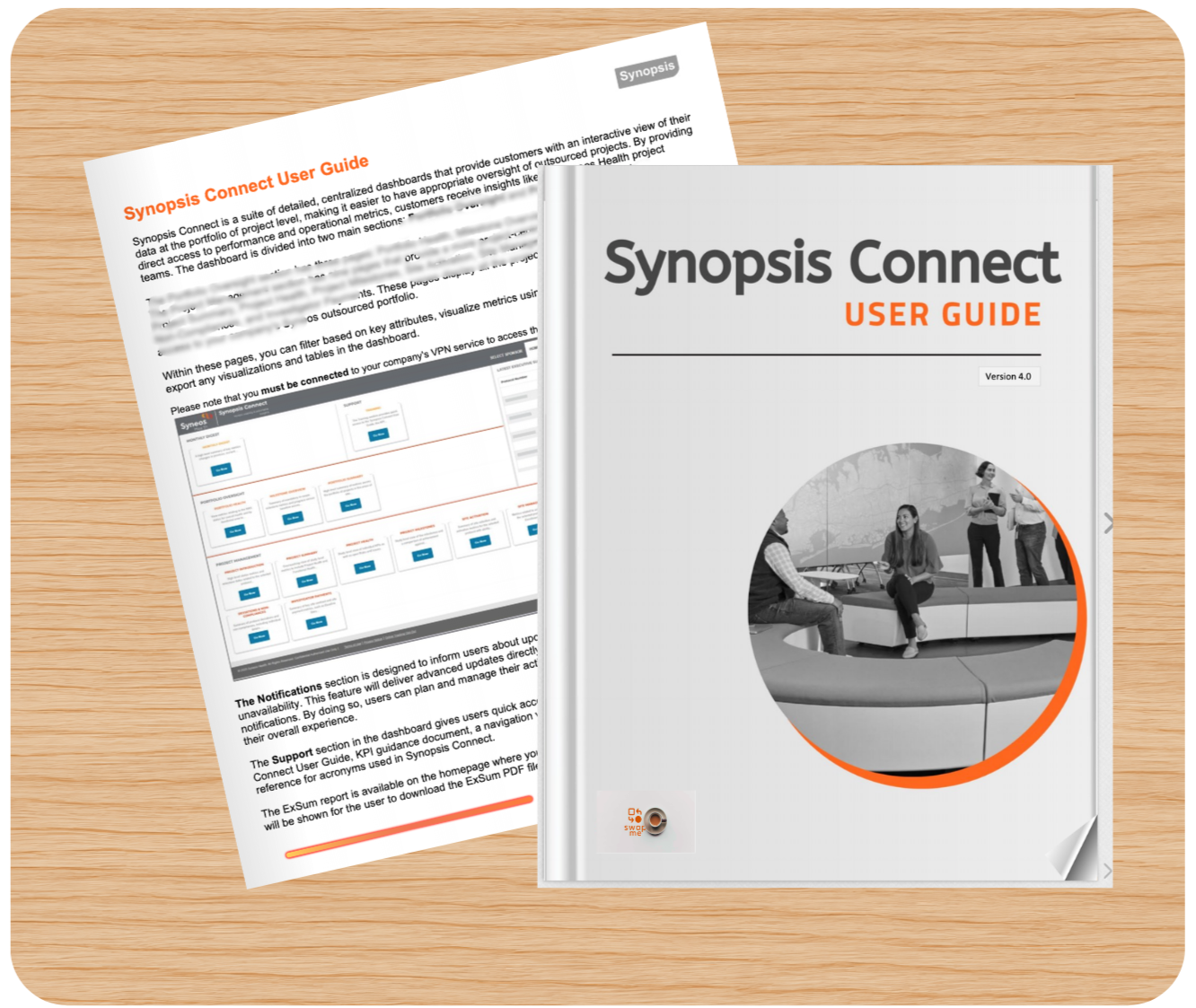
I designed and developed an interactive digital flipbook with searchable content, zoomable visuals, seamless navigation, and interactive elements such as pop-ups, embedded videos, and structured support for guided instruction. Created for the platform’s first customer-facing product launch, the flipbook helps pharmaceutical sponsors quickly understand key study insights. Content has been intentionally blurred to protect proprietary information.

Audience: External sponsors
Responsibilities: Needs analysis, instructional design, UX strategy, collaboration with SMEs and stakeholders, content development
Tools Used: FlippingBook Publisher, Microsoft Word (content creation, PDF export), Canva

Explainer Video: Factors Influencing Immunogenicity

I produced a concise welcome video introducing the platform and demonstrating key features for pharmaceutical sponsors. The video is edited from the original 7-minute recording to highlight the introduction and conclusion as a screen recording, protecting proprietary and confidential content.

Audience: External sponsors & internal teams
Responsibilities: Needs analysis, instructional design (storyboarding, scripting), video production
Tools Used: Powtoon, Canva, Google Suite

Explainer Video: Platform Demo

I developed a short video for the Science Academy initiative, condensing a 43-page PowerPoint into a visual overview that highlights key factors influencing immunogenicity. The video reduces cognitive load and was designed using Synthesia to serve as both a standalone overview and a component of the course in Work Sample 1.

Audience: Employees (new and experienced) participating in the Science Academy initiative
Responsibilities: Needs analysis, instructional design (action mapping, storyboarding, script development), video production, prototyping, branding alignment
Tools Used: Synthesia, Adobe, Google Suite

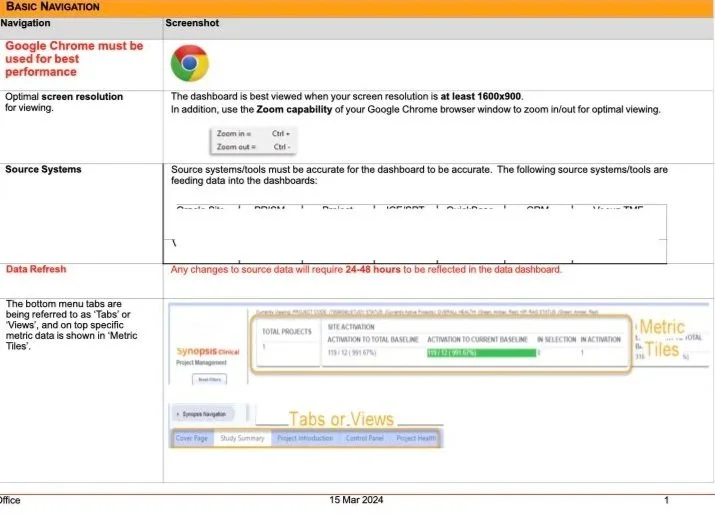
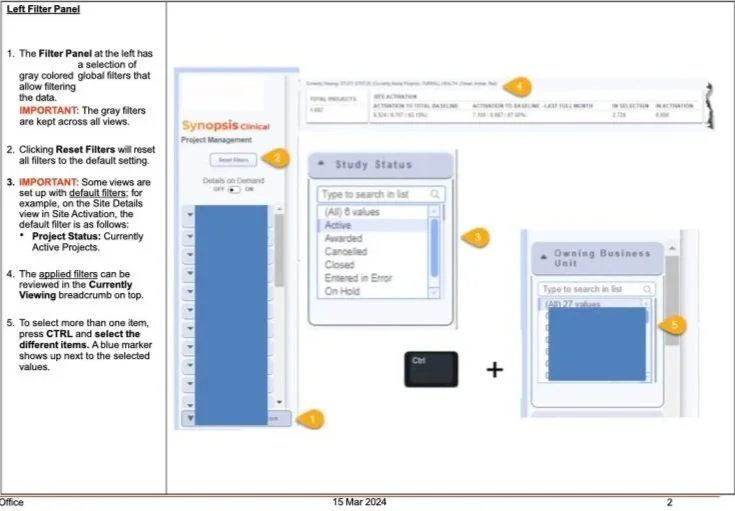
Performance Support Job Aid

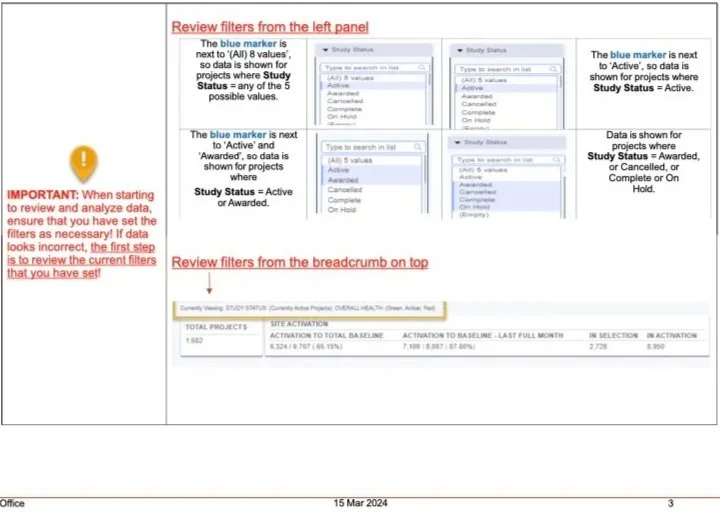
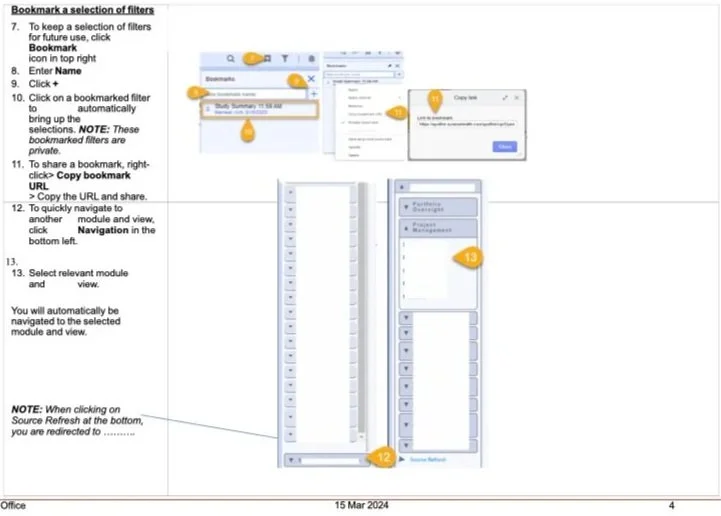
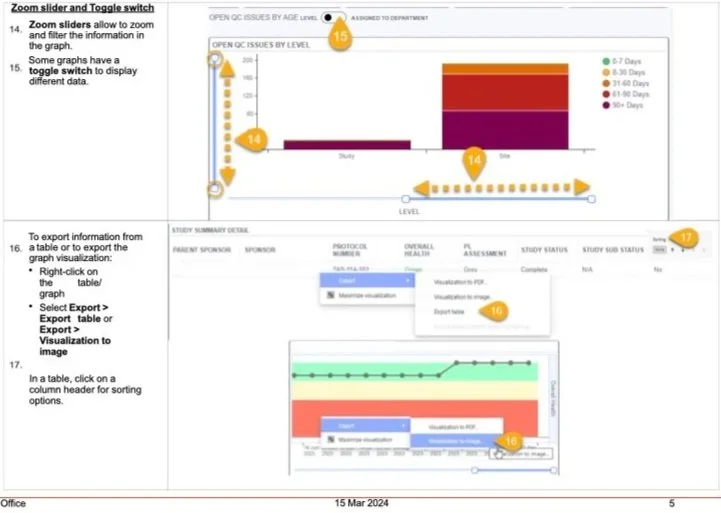
New hires, project teams, and any employee needing quick, practical guidance use this job aid to navigate the data quality dashboard. Focused on specific tasks, it provides clear, actionable instructions that are easy to reference while working in the platform. As a result, this asset significantly reduced ServiceNow (SNOW) tickets by empowering users to resolve common issues independently.

Audience: Internal teams
Responsibilities: Needs analysis, collaboration with SMEs and stakeholders, and visual design
Tools Used: Microsoft Word, Adobe Creative Suite